



Hola Nachos!
I was playing around with Google Chrome apps, and I found a theme creator. I decided to put this app to good use and made us a theme! Now without further ado, here is the Nacho Army Google Chrome Theme!
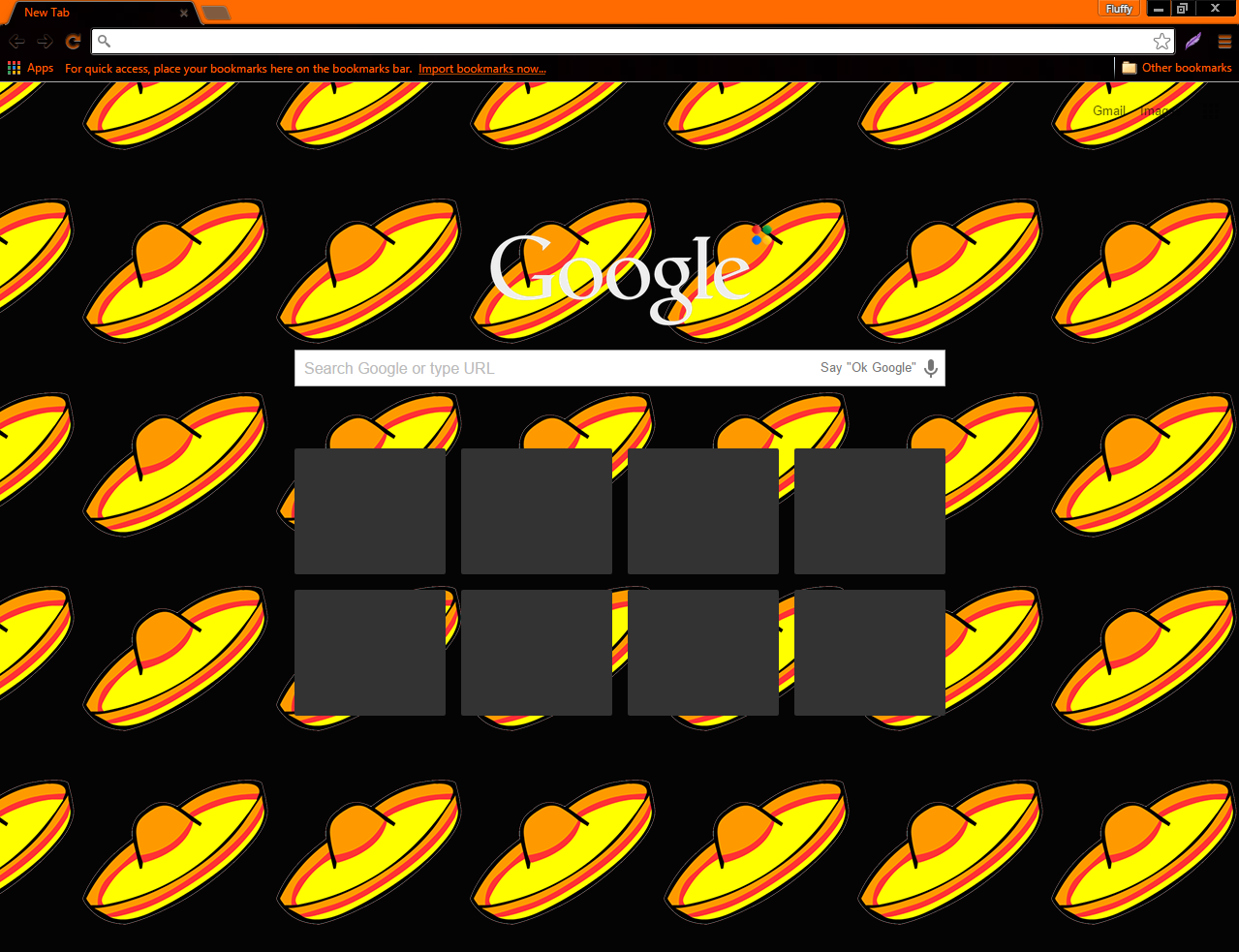
Here is what the theme looks like!
Click “Continue Reading” for the steps on how to download!

Go to
http://www.themebeta.com/chrome/theme/102943
before we start!
STEP ONE:
Click the Green “Apply Theme” button

STEP TWO:
At the very bottom of the page, a box pops up that says “Extentions, apps, and themes can harm your computer. Are you sure you want to continue?” Click the box that says “Continue” as this is virus free!

STEP THREE:
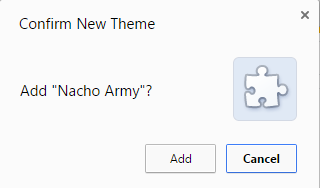
Towards the center of the page, a new box pops up that says “Add Nacho Army? Click the “Add” button, and you’re all finished!
Viva Los Nachos!
><><><><><><><><><><><
Fluffy 9404
Nacho Army 4ic
Sombrero News Network CEO
><><><><><><><><><><><
Filed under: The Nacho Army |



 Nacho Army of Club Penguin
That looks really nice 😀
Thanks! I spent about an hour on it! 😀
cool